

Troubleshooting an IP speaker that isn't working can be a frustrating experience, but with a systematic approach, you can often identify and resolve the issue quickly. As an IP speaker supplier, I've encountered a wide range of problems over the years and have developed a comprehensive troubleshooting guide to help you get your IP speakers up and running again.
1. Check the Physical Connections
The first step in troubleshooting an IP speaker is to ensure that all physical connections are secure. This includes power cables, Ethernet cables, and any other connections specific to your speaker model.
- Power Connection: Make sure the speaker is properly plugged into a power source. Check the power outlet to ensure it is functioning by plugging in another device. If the speaker has a power switch, ensure it is turned on.
- Ethernet Connection: Inspect the Ethernet cable for any signs of damage, such as cuts or frayed wires. Ensure that the cable is securely plugged into both the speaker and the network switch or router. You can try replacing the Ethernet cable with a known - working one to rule out cable issues.
2. Verify the Network Configuration
IP speakers rely on a stable network connection to function properly. Here are some network - related checks you can perform:
- IP Address Assignment: Check if the speaker has been assigned a valid IP address. You can usually find this information in the speaker's configuration settings. If the IP address is incorrect or conflicts with another device on the network, the speaker may not work. You can try assigning a static IP address to the speaker to avoid DHCP - related issues.
- Network Connectivity: Test the network connectivity from the device where you are trying to manage the IP speaker. You can use the ping command in the command prompt (on Windows) or terminal (on Mac and Linux) to ping the speaker's IP address. If the ping fails, there may be a network issue between the speaker and your management device.
- Network Switch or Router: Ensure that the network switch or router is functioning properly. Check if other devices on the same network are able to connect and communicate. You can try restarting the network switch or router to refresh the network settings.
3. Check the Speaker Settings
Incorrect speaker settings can also cause the IP speaker to malfunction. Here are some settings to review:
- Volume Settings: Make sure the volume on the speaker is not muted or set too low. You can usually adjust the volume through the speaker's web interface or management software.
- Audio Source: Verify that the correct audio source is selected on the speaker. IP speakers can receive audio from various sources, such as a media player or a voice evacuation system. Ensure that the source is configured correctly and is sending audio to the speaker.
- Firmware Version: Outdated firmware can lead to compatibility issues and other problems. Check if there are any firmware updates available for your IP speaker. You can usually download the latest firmware from the manufacturer's website and follow the instructions to update the speaker.
4. Inspect the Audio Source
If the IP speaker is not producing any sound, the problem may lie with the audio source. Here are some checks you can perform:
- Audio Output Device: Ensure that the device sending audio to the IP speaker is functioning properly. Check if the audio output on the source device is working by playing audio through another speaker or headphones.
- Audio Encoding: IP speakers support different audio encoding formats. Make sure that the audio source is using a supported encoding format. You may need to adjust the encoding settings on the source device to match the speaker's requirements.
5. Consider Environmental Factors
Environmental factors can also affect the performance of IP speakers. Here are some things to consider:
- Temperature and Humidity: Extreme temperatures and high humidity can damage the speaker components. Make sure the speaker is installed in an environment with appropriate temperature and humidity levels.
- Interference: Other electronic devices or radio frequencies can cause interference with the IP speaker's signal. Keep the speaker away from sources of interference, such as microwave ovens or wireless routers.
6. Seek Professional Help
If you have followed all the above steps and are still unable to troubleshoot the IP speaker, it may be time to seek professional help. As an IP speaker supplier, we offer technical support services to help you resolve any issues you may be facing. Our team of experts can assist you with more in - depth troubleshooting and provide solutions tailored to your specific needs.
7. Related System Considerations
If your IP speaker is part of a Public Address And Voice Evacuation System, there are additional factors to consider. These systems often have complex configurations and integration requirements.
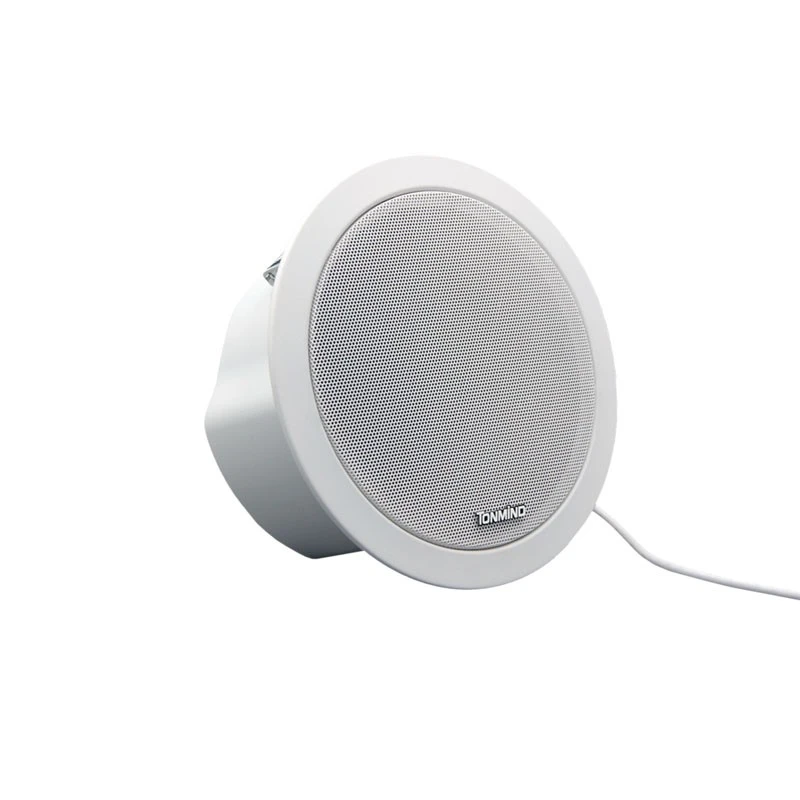
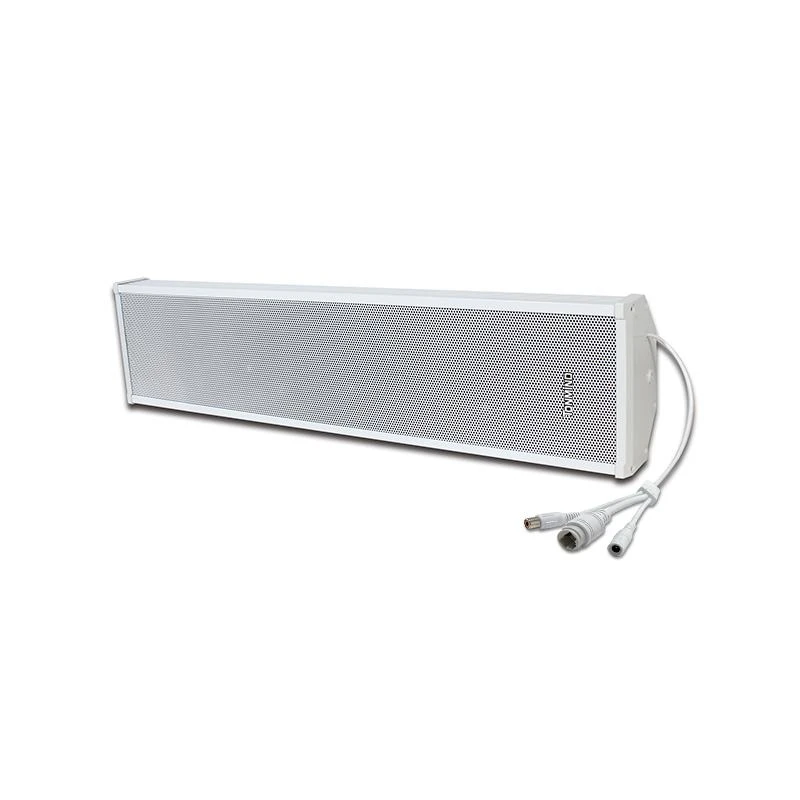
- System Configuration: Ensure that the overall system configuration is correct. This includes settings related to zones, paging groups, and emergency announcements. Incorrect system configuration can prevent the IP speaker from functioning as expected.
- Integration with Other Devices: IP speakers in a public address and voice evacuation system may need to integrate with other devices such as control panels, microphones, and amplifiers. Check the connections and settings of these integrated devices to ensure seamless operation.
Contact Us for Purchase and Support
If you are experiencing persistent issues with your IP speakers or are looking to purchase new IP speakers for your project, we are here to help. Our team of experts can provide you with detailed product information, technical support, and assist you in finding the best solution for your needs. Whether you are setting up a small - scale audio system or a large - scale public address and voice evacuation system, we have the products and expertise to meet your requirements. Reach out to us to start a discussion about your project and explore the possibilities of working with our high - quality IP speakers.
References
- "Network Troubleshooting Basics" - Various online resources on network troubleshooting techniques.
- Manufacturer's documentation for the specific IP speaker models.
- Industry standards and guidelines for public address and voice evacuation systems.